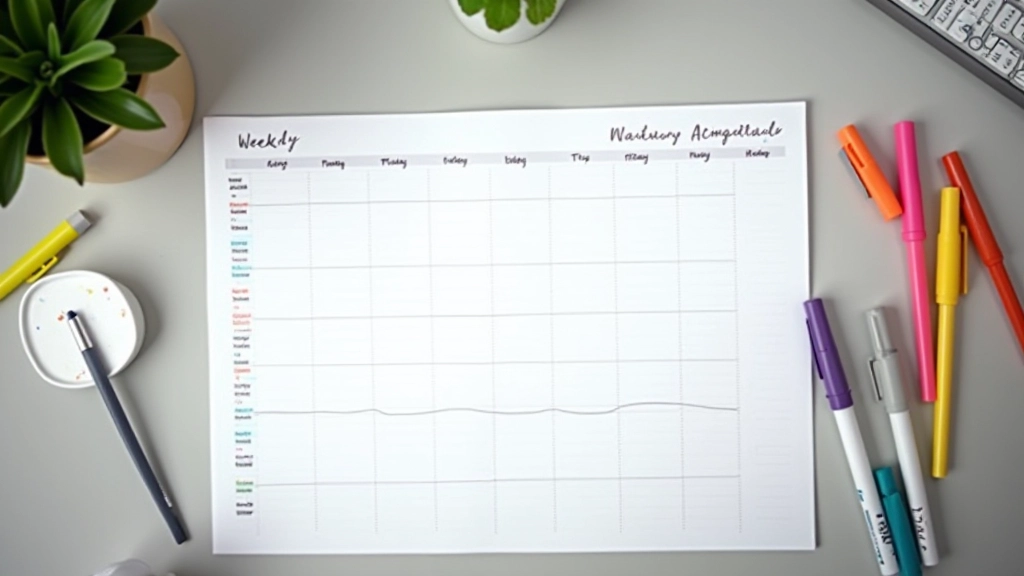

Time Blocking Actually Works — Here's How to Start
A simple method for organizing your day that takes 10 minutes to set up. No apps needed — just a calendar and realistic expectations.

What's Time Blocking?
Time blocking isn't complicated. It's basically dividing your day into focused chunks where you dedicate each block to a single task or type of work. You're not multitasking — you're committing to one thing for a defined period, then moving to the next block.
The difference between this and just having a to-do list? You're assigning WHEN things happen, not just WHAT happens. That simple shift removes the decision fatigue of figuring out what to work on next. Your schedule tells you.
Why It Works
- Eliminates decision-making during your workday
- Creates boundaries between deep work and shallow tasks
- Makes it easier to say no to interruptions
- Gives you a realistic view of what you can actually accomplish
Setting Up Your First Block Schedule
You don't need software or special apps. Grab a calendar — Google Calendar, Outlook, or even paper. Here's how to start.
1
Map your fixed commitments
First, add everything that's already scheduled — meetings, gym sessions, school pickup, lunch. These are anchors that don't move.
2
Identify your top 3-4 priorities
Not your whole to-do list. Just the 3-4 things that matter most this week. You'll block time for these first.
3
Assign time blocks (realistic lengths)
For deep work, 90 minutes is ideal but not mandatory. Try 60-90 minutes for focused work. Shorter blocks (30-45 min) work for email or admin tasks. Don't overestimate how much you'll finish.
4
Add buffer time
Between blocks, leave 15 minutes. You'll need it. Transitions take time, and back-to-back schedules collapse the moment one thing runs over.

About This Guide
This article provides educational information about time blocking methods. Individual results vary based on personal work style, industry, and personal circumstances. Time blocking works best when combined with realistic goal-setting and self-awareness about your actual productivity patterns. If you struggle with time management, consider consulting a productivity coach or organizational specialist who understands your specific situation.
Common Mistakes People Make
Time blocking seems simple, but there's a learning curve. Here's what typically derails people in the first week.
Scheduling too many blocks
Your calendar fills up completely and there's zero flexibility. When something unexpected comes up — and it will — the whole system breaks. You can't execute a perfect schedule. Leave about 20-30% of your day unblocked for interruptions and things that take longer than expected.
Being too ambitious with block length
You block 3 hours for a project when you realistically have 90 focused minutes in you. The block ends, you feel behind, and you abandon the system. Start with what you know you can actually do. If you typically focus well for 60 minutes, that's your starting point.
Forgetting transition time
Back-to-back blocks with no breathing room. You'll feel rushed and the blocks start bleeding into each other. That 15-minute buffer between blocks isn't wasted time — it's essential.


Making It Actually Stick
The first week feels awkward. You'll be tempted to check email during a deep work block, or you'll finish early and feel restless. That's normal. Give yourself 2-3 weeks before deciding if it works for you.
One thing that helps: treat your blocks like actual meetings. If someone asks you to do something during a block you've labeled "focused work," you say "I'm not available then." You wouldn't cancel a client meeting to check email — so don't cancel your deep work blocks either.
Also, protect your most important block. Most people are sharpest in the morning. That's when your priority work should live. Put shallow work (email, Slack, admin) in your afternoon blocks where your energy is naturally lower.
Start small. Block just your work hours for the first week. Add personal time blocks once you see how the system actually works for you.
The Real Benefit
Time blocking doesn't make you work harder. It makes you work with less friction. You're not constantly deciding what to do next. You're not context-switching every 10 minutes. You're not pretending to focus while actually monitoring notifications.
That simplicity is why it works. Most productivity systems fail because they're complicated. Time blocking is just a calendar. You probably already have one.
Ready to try it?
Open your calendar right now. Add your three biggest priorities for this week as blocks. That's it. See how it feels.
Explore More Productivity Strategies
Related Articles